Mechanical keyboards sit at the overlap of typing tool, gaming hardware, and custom object: you can buy a polished board like Logitech’s MX Mechanical, chase high-performance magnetic-switch models such as the Wooting 80HE and 60HE v2 highlighted by RTINGS, or build around enthusiast platforms from Keychron and KBDfans. What pulls people deeper is not just speed or feel, but the stack of choices underneath—layout, switches, keycaps, wireless features, hot-swap support, split designs, and even 8K polling on newer models like Keychron’s Ultra series. Retailers such as Mechanical Keyboards and KBDfans expose how broad the ecosystem really is, from full-size and TKL boards to group-buy keycap sets and cases like TOFU TKL. Once you notice how sound, feel, and form factor change the entire experience, a keyboard stops being a peripheral and starts becoming a personal instrument.
Learn
How the Mechanical Keyboard World Actually Breaks Down
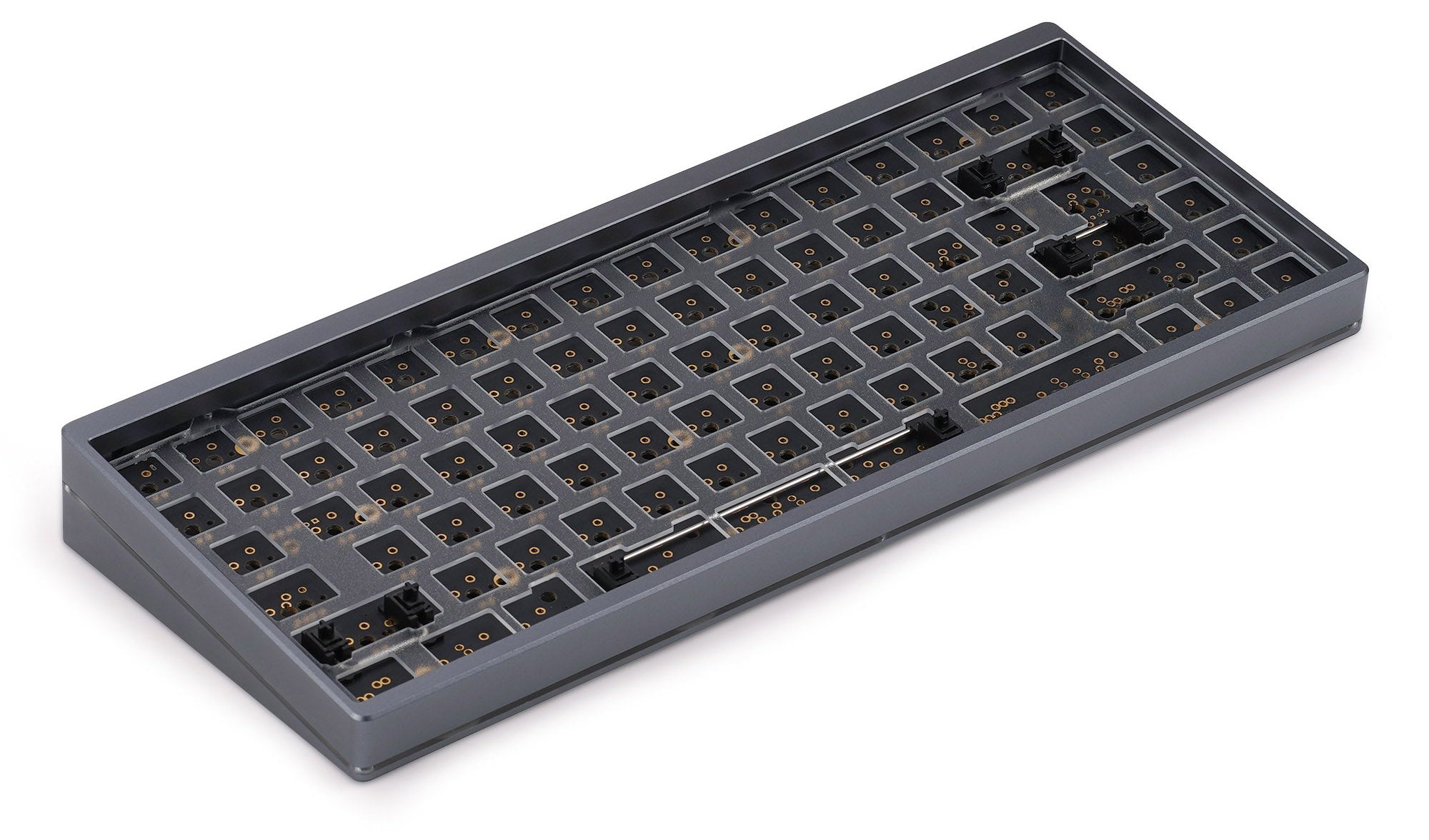
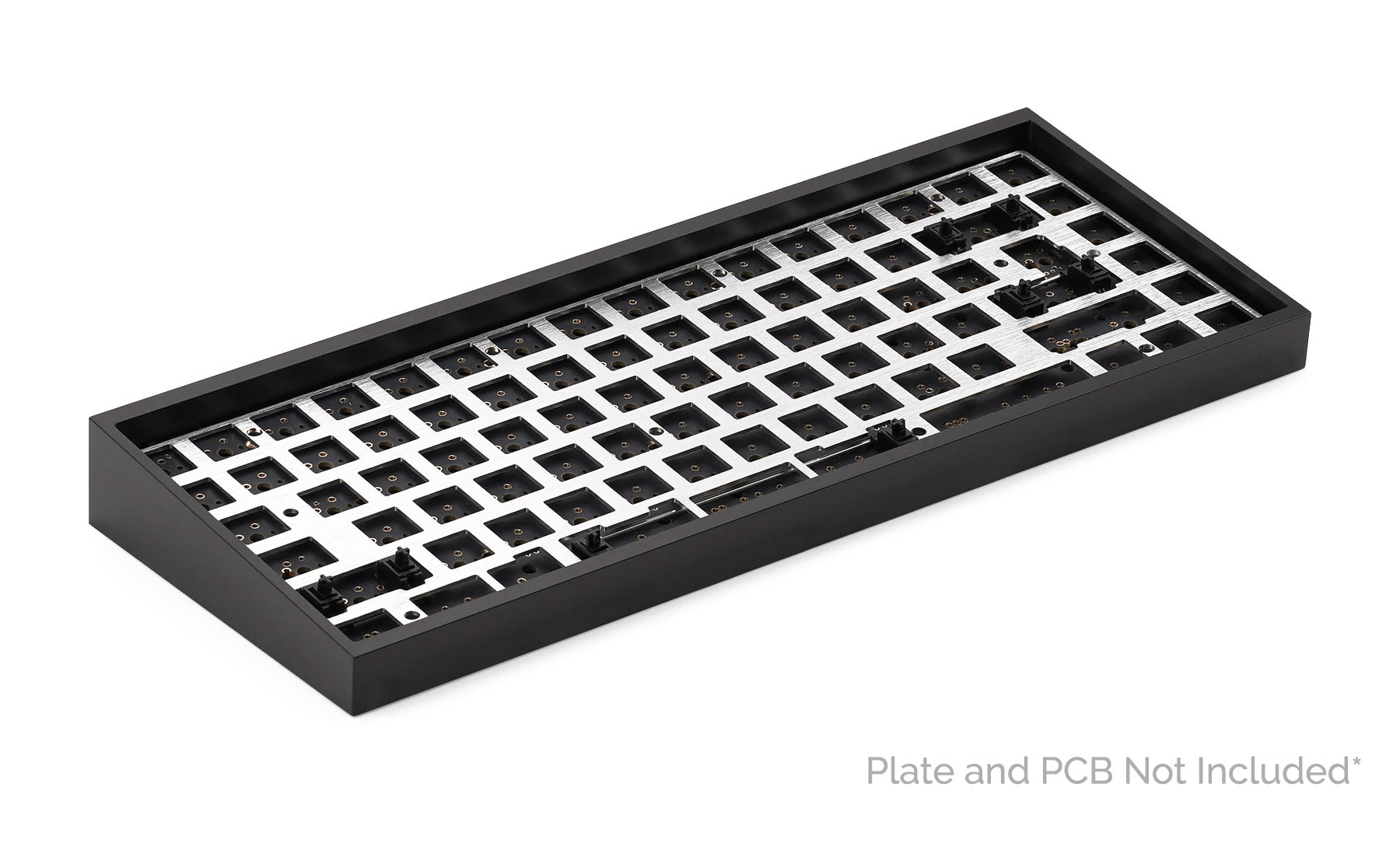
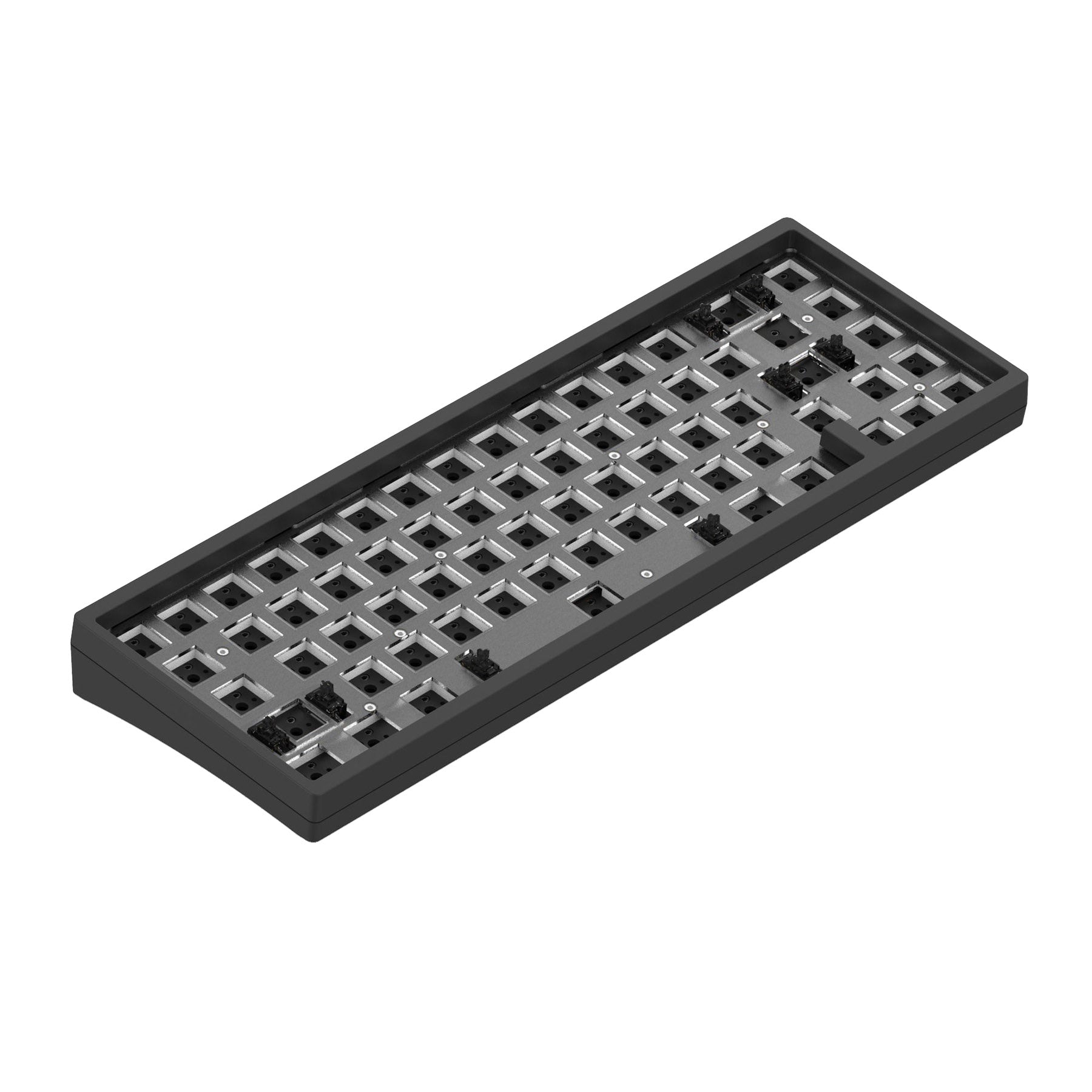
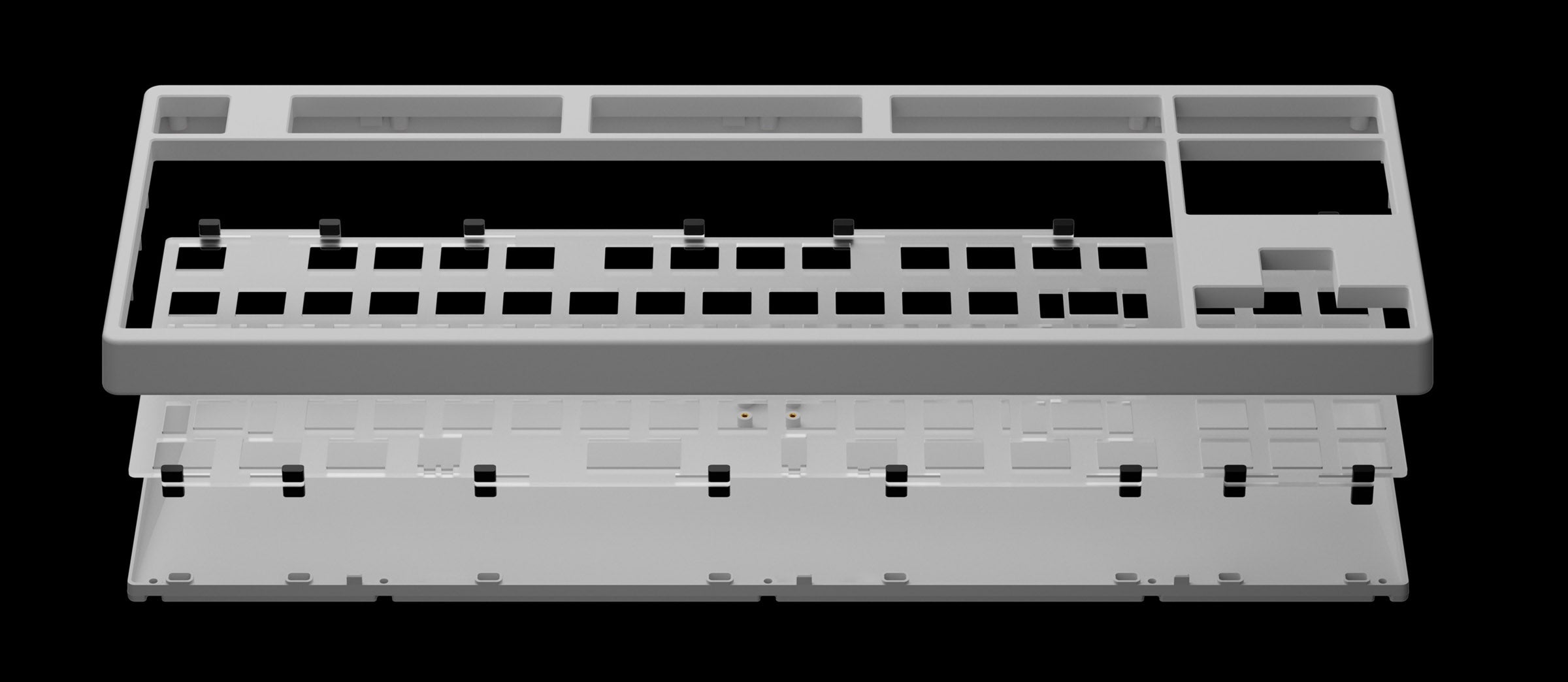
The mechanical keyboard world breaks down into three distinct tiers that most newcomers conflate: pre-built boards chosen for convenience, barebones kits for first-time builders, and fully custom soldered builds reserved for enthusiasts who know exactly what they want. The real divide isn't just price — it's how much control you take over the typing feel. Pre-built keyboards lock you into a manufacturer's choice of switch, plate material, and mounting style; hot-swap kits like the Keychron Q1 Pro Barebones or Akko MOD007B HE let you swap switches and keycaps without soldering, giving you access to gasket mount and QMK/VIA firmware that almost never appear in retail boards. Full custom builds require a soldering iron and a four-figure budget for exotic case materials like brass or polycarbonate, but they also allow tuning every detail from gram-force curves to stabilizer rattle. The smartest entry point in 2026 is a hot-swap kit with a gasket mount — softer typing feel and easier upgrades — and many beginners find that starting with a $65 tray-mount board like the Keychron C1 is a better learning step than jumping straight into an expensive custom.
 mkbguide.commkbguide.com
 mkbguide.commkbguide.com
 gamerhardware.orggamerhardware.org
+Field notes
- —The decisive factor between keyboard tiers is mounting style: gasket mount (PCB suspended on silicone or foam strips) delivers a softer, bouncier feel and deeper 'thock' sound around 200–800 Hz, while tray mount (PCB screwed directly to case) gives a firm, rigid feel with a sharper 'clack' in the 4–6 kHz range — a difference one reviewer describes as 'the difference between typing on a wooden desk versus typing on a mousepad.'
- —Hot-swap PCBs have made custom keyboard building accessible to anyone: you press switches into metal sockets by hand with no soldering, and the barebones kit — case, PCB, plate, stabilizers — is often the best first step, with popular picks like the Keychron Q1 Pro Barebones (75%, aluminum, gasket mount) and Akko MOD007B HE covering the sub-$200 zone.
- —Membrane keyboards degrade into mushy inconsistency as rubber domes age, while mechanical switches maintain the exact same feel over millions of keystrokes — most mechanical switches are rated for 50+ million presses versus roughly 5 million for a membrane board.
- —The Alice layout, pioneered by Malaysian designer Yuk Tsi's 2018 TGR Alice, angles the two halves of a row-staggered board inward by 6 to 10 degrees on a single PCB, adding a split spacebar and dual B keys to reduce ulnar deviation without requiring the column-stagger retraining of full split keyboards like the ZSA Moonlander or Kinesis Advantage360.
- —Firmware freedom separates enthusiast-level tools from consumer devices: QMK and VIA enable per-key remapping, macros, layers, and per-key RGB without proprietary software that stops receiving updates — a feature available on most hot-swap kits but almost never on pre-built retail keyboards.
- —A common beginner mistake is assuming 'custom' requires soldering; in reality, a custom keyboard is defined by choosing your own switches and keycaps, and a $150–$300 AUD hot-swap build (case + PCB + switches + keycaps) can deliver better value and upgradeability than a $150–$300 pre-built board that locks you into its factory components.
Learn
The Terms That Unlock the Hobby
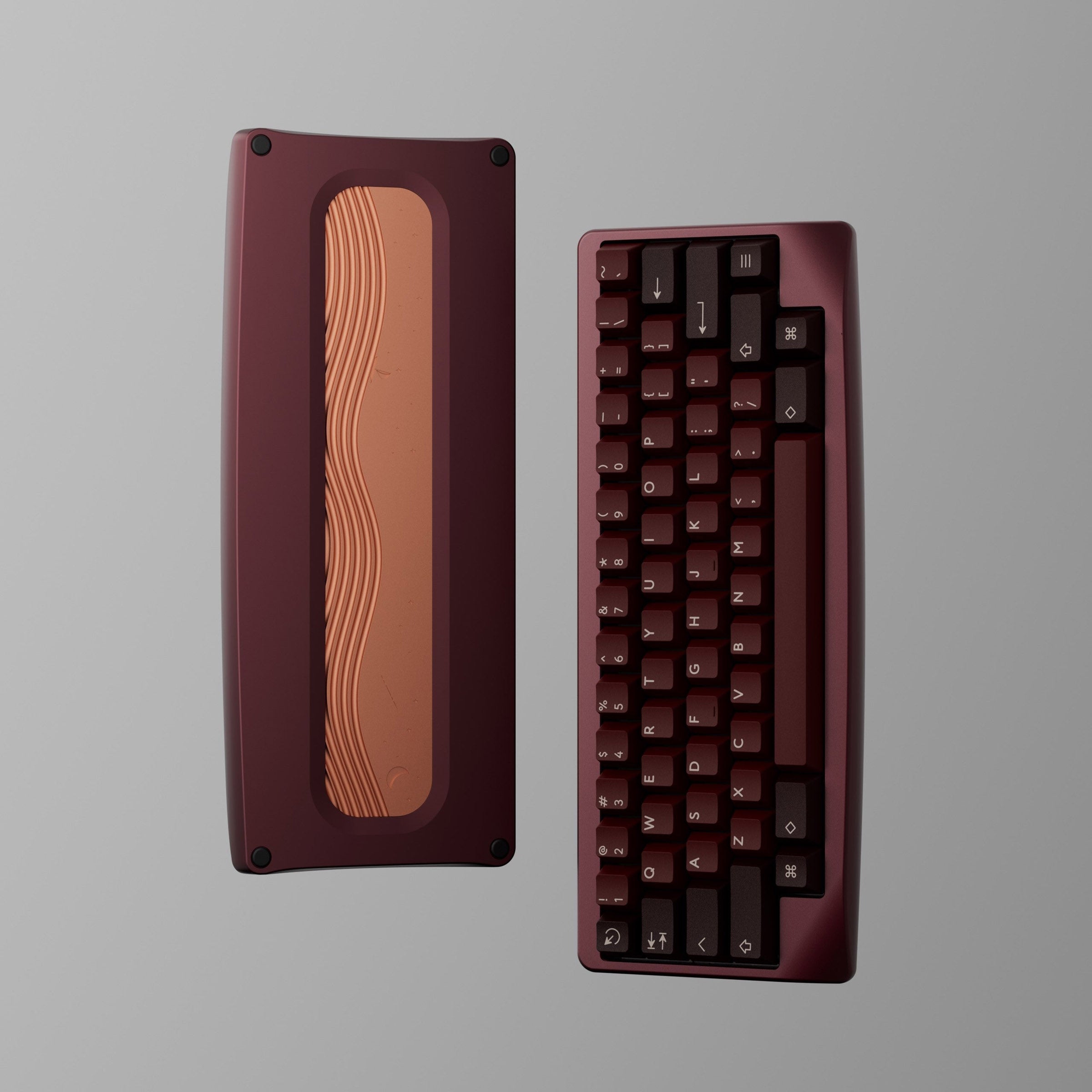
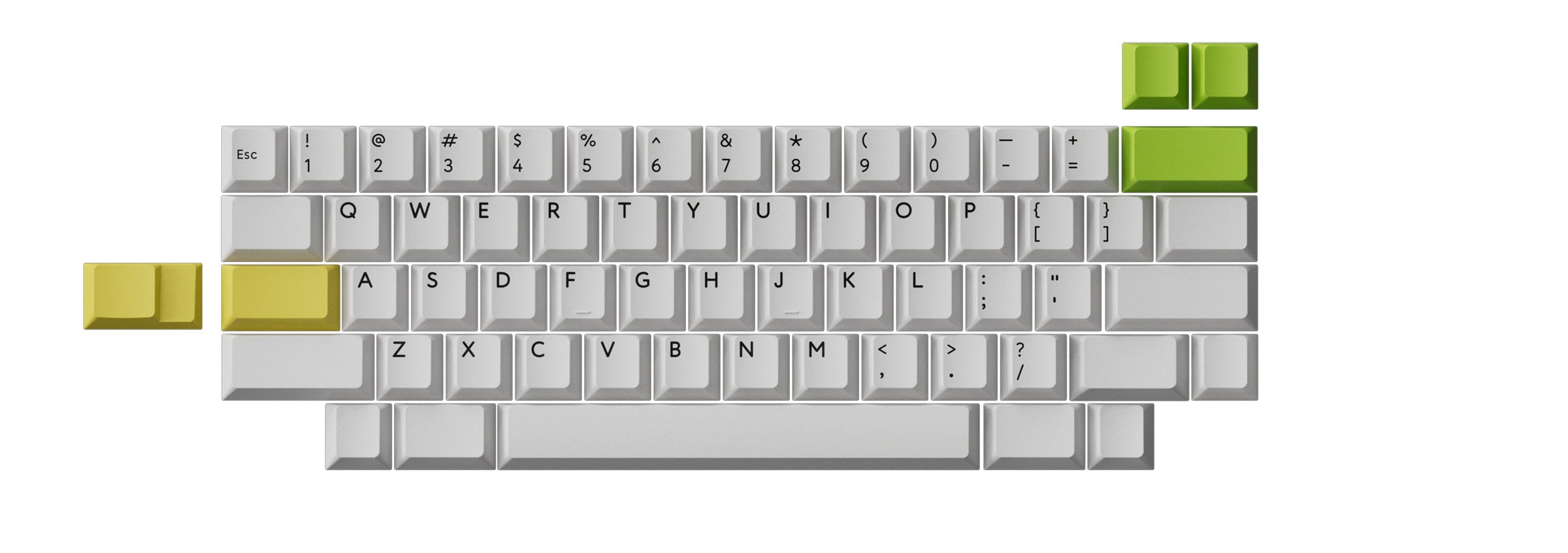
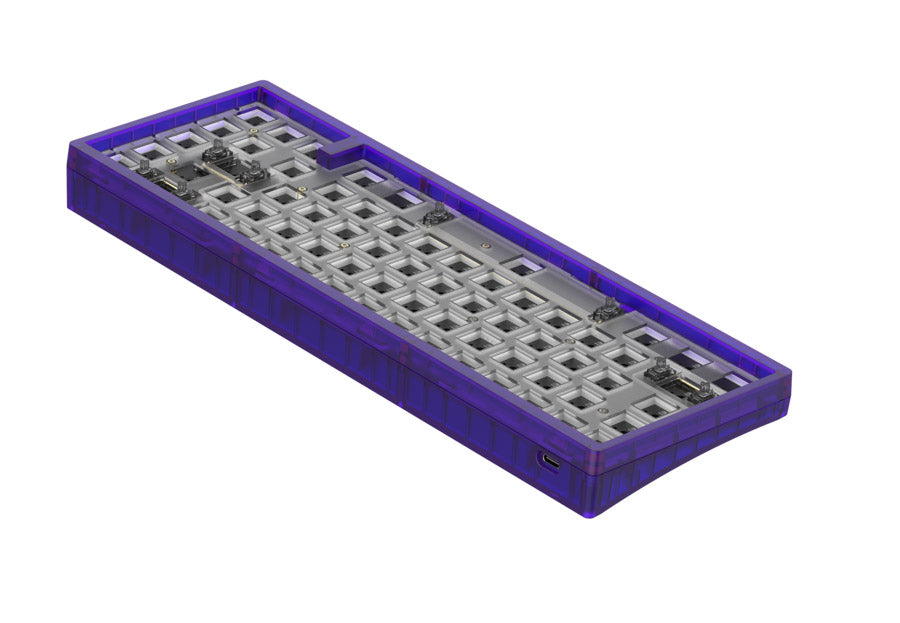
The mechanical keyboard hobby has its own precise vocabulary—mounting style, switch orientation, and socket type—that transforms a pile of parts into a tool that feels and sounds exactly how you want. Mounting style (gasket vs. tray mount) is the single biggest decision after switches: gasket mount suspends the PCB on silicone or foam strips for a soft, bouncy feel and a deep "thock" sound, while tray mount screws the PCB directly to the case for a stiff, rigid typing experience with a sharper "clack" (source 2). South-facing PCBs, where the LED faces toward the user, are the standard in custom builds because they avoid interference with Cherry Profile keycaps—the most popular aftermarket shape—even though this orientation slightly dims shine-through legends compared to north-facing layouts (source 5). Hot-swap sockets, typically Kailh or Gateron, have made the hobby beginner-friendly: you can swap any MX-style switch in under 30 seconds without a soldering iron, though some budget boards use proprietary Outemu sockets that lock you into a narrow range of switches (source 7). Beyond components, tuning mods like the force break mod (placing foam, tape, or paper between the PCB and plate at strategic points) or adding case foam (EVA, Poron, neoprene) let you shift the keyboard's acoustic signature from hollow and pinging to deep and poppy, giving even a budget build a personality that rivals expensive prebuilts (sources 3, 4).
 mkbguide.commkbguide.com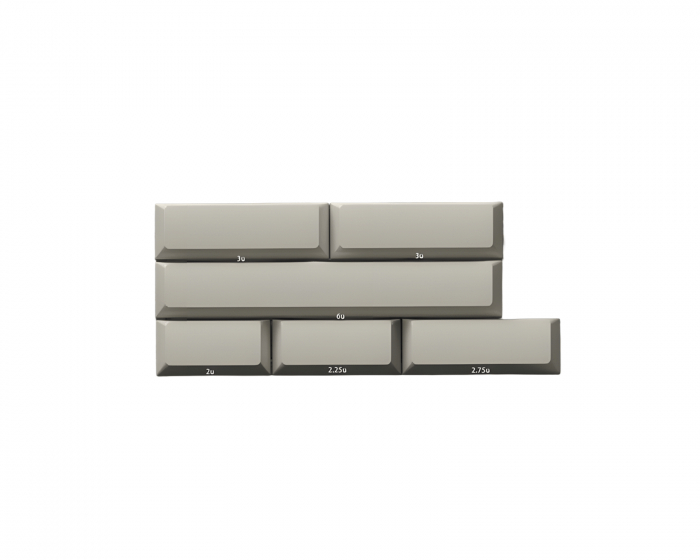
 keychron.comkeychron.com
+Field notes
- —Mounting style (how the PCB and plate attach to the case) is the second-biggest decision after switches: gasket mount uses silicone or foam strips for a soft, bouncy feel and deep "thock" sound, while tray mount screws the PCB directly to case posts for a stiff, rigid feel and sharper "clack" with 20–30% more case resonance (source 2).
- —South-facing PCBs position the LED toward the user, eliminating interference with Cherry Profile keycaps—the most common aftermarket shape—though this slightly reduces RGB shine-through brightness compared to north-facing layouts (source 5).
- —Hot-swap sockets (Kailh or Gateron) let you swap any MX-style switch in under 30 seconds with no soldering, making switch experimentation risk-free; avoid budget boards with proprietary Outemu sockets that limit compatibility (source 7).
- —The force break mod—placing thin foam, tape, or paper between the PCB and plate at specific points—creates controlled flex points that shift the acoustic signature toward a deeper, more satisfying "poppy" tone (source 3).
- —Case foam materials like budget EVA ($5–15 per sheet), premium Poron, or neoprene fill empty cavities to reduce hollowness, dampen ping, and lower harsh bottom-out noise, transforming a hollow board into a quiet, refined instrument (source 4).
- —You don't need to solder or spend big to build a custom keyboard: hot-swap barebones kits (case + PCB + plate + stabilizers) let you press switches in by hand and choose your own keycaps, making the entire hobby accessible with no tools beyond a switch puller (source 1).
Learn
From Office Tool to Performance and Custom Culture
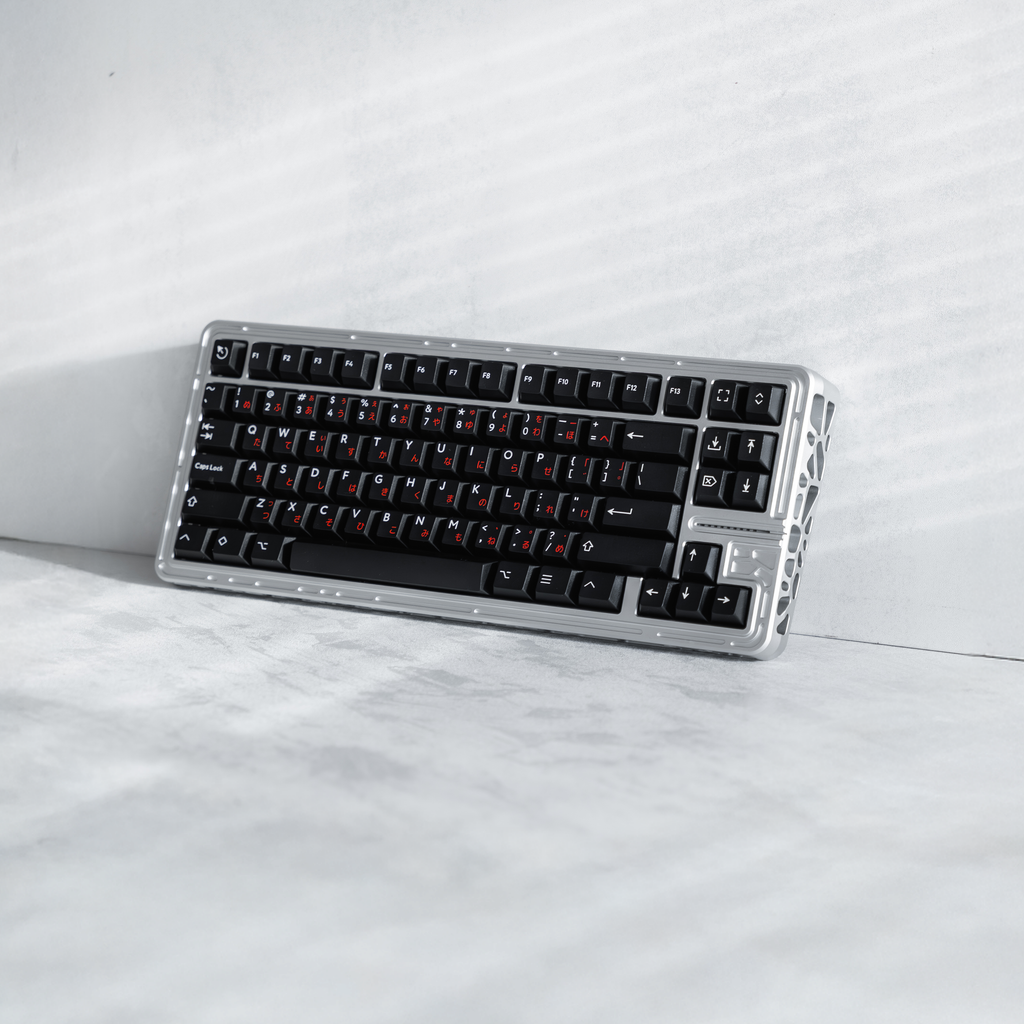
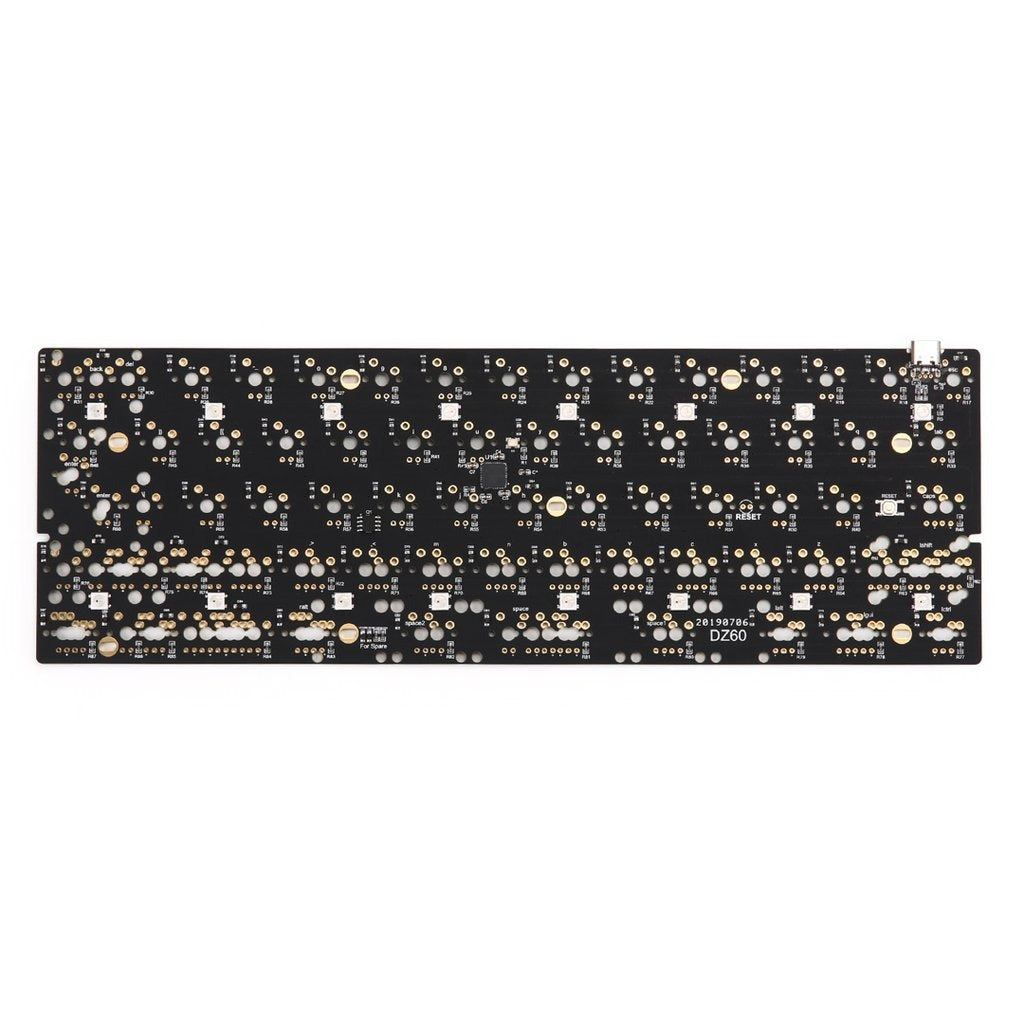
The mechanical keyboard's journey from a utilitarian office tool to a cornerstone of personalized performance culture is a story of engineering precision meeting obsessive community craftsmanship. It begins in 1953 when Walter Lorain Cherry started making microswitches in a restaurant basement, eventually leading to the 1983 introduction of the Cherry MX switch—rated for 20 million keystrokes and identified by colored stems like Red, Black, Blue, Brown, and Green, with modern iterations now surviving over 100 million actuations. But the real transformation happened not in a factory, but on Geekhack, a forum founded in 2007 by iMav where enthusiasts began designing and building their own keyboards. The first custom aluminum keyboard, the DK Saver, emerged from Korea, sparking a wave of limited-run masterpieces like the OTD 356 series—only 60 sets of the 356L were made, with one lost—and the GH60 project, which became the first open-source 60% PCB, enabling truly personalized layouts. Initially met with skepticism—$300 for a disassembled Korean 356CL in 2009 was seen as outrageous, and early group buys for keycaps from Signature Plastics attracted just 60 people—these customs now trade for over $10,000, a testament to how a niche community turned the humble keyboard into an object of desire, engineering, and art.
+Field notes
- —Cherry's keyboard division started in a Highland Park, Illinois restaurant basement in 1953, building microswitches for the automotive industry before expanding to West Germany in 1963; the first Cherry keyboards didn't appear until 1973, a decade after the European expansion.
- —The Cherry MX switch, introduced in 1983, was rated for 20 million keystrokes; modern Cherry MX switches now last over 100 million keystrokes, with stem colors like Red, Black, Blue, Brown, and Green indicating distinct tactile and auditory profiles.
- —Geekhack, founded in 2007 by iMav (the domain name came from 'geeks' and 'hacks'), was hacked in June 2012 and replaced with the word 'r00tworm'; users fled to Deskthority during the downtime, and the site was acquired by Massdrop in July 2018 after bids reportedly reached $50,000.
- —The DK Saver (also called Ddogyu Saver) was the first custom aluminum keyboard, featuring a winkeyless layout; it originated in Korea and inspired a wave of ultra-limited customs like the OTD 356L, of which only 60 sets were produced (one lost), built specifically for Cherry MX Black linear switches.
- —In 2009, a Korean 356CL custom keyboard priced at $300 was met with disbelief on Geekhack—users called it 'really expensive' and 'too steep' for a DIY kit; today, those same keyboards sell for over $10,000 due to their historical significance and scarcity.
- —The GH60 project, launched on Geekhack in 2012, became the first open-source 60% PCB, with users noting it could be the 'FIRST EVER small ISO board'—a compact layout previously unavailable, built to fit the Poker case and driven entirely by community design decisions.
Discover
Watch Builds, Sound Tests, and Deep Reviews


The world of mechanical keyboard watch builds, sound tests, and deep reviews is a rabbit hole where the sonic signature of a board is as critical as its build quality, revealed through meticulous comparisons and modding. Keychron continues to dominate the entry-level custom scene with its Q-series, where the Q3, a TKL with a knob, offers a satisfying upgrade path from the popular Q1 and Q2, though its hollow stock sound often requires modifications like Kilmat to achieve a deeper, 'thocky' tone. On the luxury end, Taeha Types' build of MKBHD's custom Bauer keyboard showcases the pursuit of a specific sound profile—here achieved with Cherry MX Brown Hyperglides, aluminum plate, and Krytox 205g0 lube—resulting in a refined, damped clack that contrasts with the budget 'thock.' Sound tests are the ultimate democratized review tool; a single video comparing 36 tactile switches on the same board, such as the Gazzew Boba U4T versus the Akko Creamy Purple, reveals exactly how plate material, switches, and lubing affect pitch and volume, bypassing the hype of marketing claims. Despite advances like Keychron's Q6 Ultra with 8K polling, the community's obsession remains with the tactile and acoustic feedback, where even a wooden-cased K3 Max serves as a platform for satisfying typing ASMR.
+Field notes
- —The Keychron Q3, launched in 2022, is a TKL with a rotary knob that inherits the gasket-mount design of the Q1 and Q2, but its stock sound is often criticized as hollow; a common 'Kilmat' mod (a car sound-dampening material) is applied to the case bottom to reduce the hollowness and deepen the sound signature.
- —For MKBHD's custom Bauer keyboard, Taeha Types chose Cherry MX Brown Hyperglides, an aluminum plate, GMK Modern Dolch R2 keycaps, and lubed TX stabilizers with 65g TX long springs—a build that produces a refined, controlled 'clack' rather than a deep 'thock,' demonstrating how specific switch and plate choices define a board's auditory character.
- —A comprehensive comparison video from Click and Thock tests 36 tactile switches on the exact same keyboard, including the Gazzew Boba U4T, Akko Creamy Purple, and the classic Cherry MX Brown, allowing viewers to hear the distinct pitch and volume differences without the variable of different cases or plates.
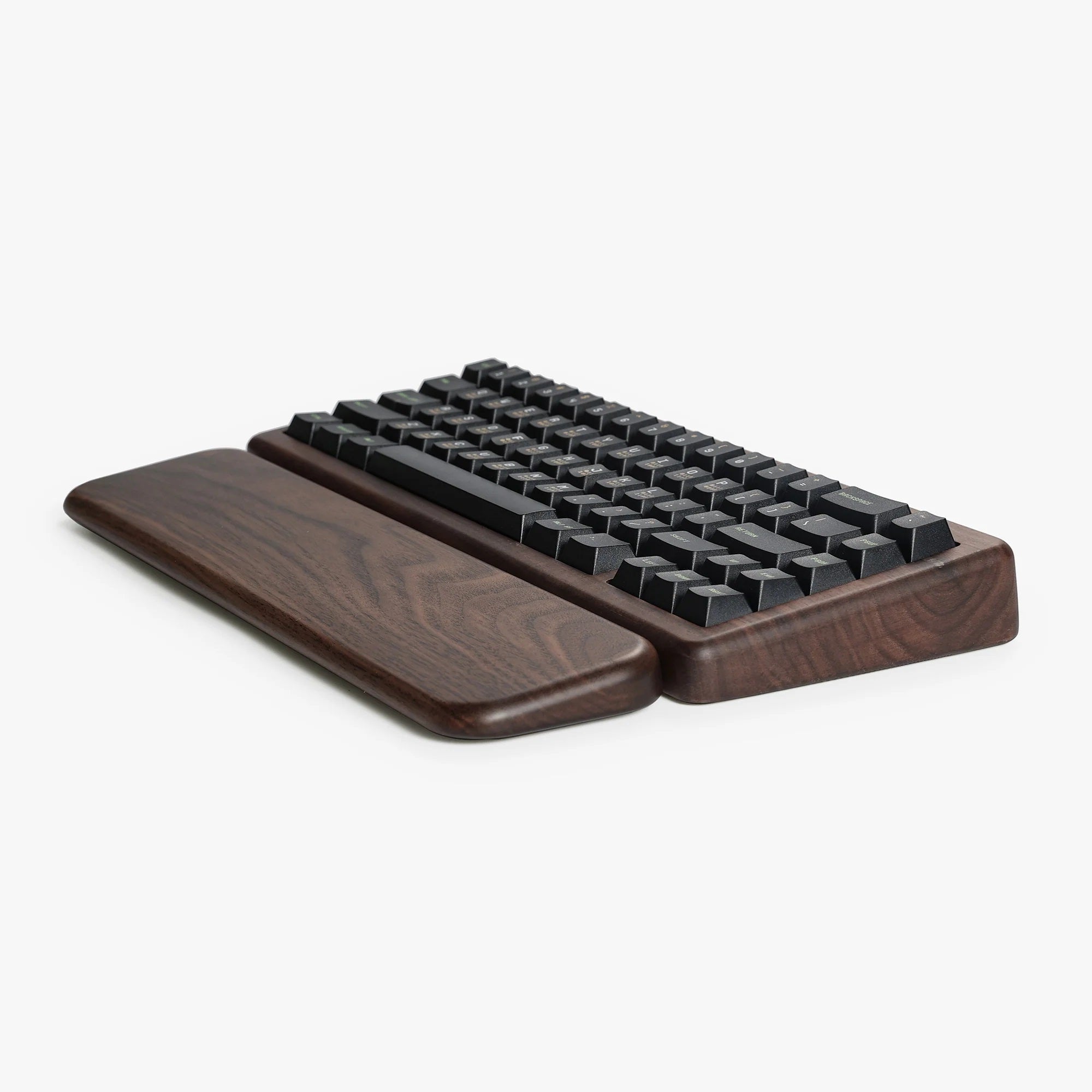
- —Keychron's K3 Max All-Wood edition is an ultra-low-profile wireless keyboard with a wooden case, offered as a platform for typing ASMR, showing that even non-traditional materials are being leveraged for their acoustic properties in the community.
- —The Keychron Q6 Ultra 8K features 8,000 Hz polling rate and comes tested with three switch variants—Silk-POM Red (linear), Silk-POM Brown (tactile), and Silk-POM Banana (tactile)—but the focus of its official sound test remains on the typing auditory experience rather than raw performance specs.
Keep exploring
More of Mechanical Keyboards
More to explore
In the same world.

Happy Hacking Keyboard Professional
Happy Hacking Keyboard Professional is PFU’s compact, layout-driven keyboard line built around electrostatic capacitive…
Mechanical Watches
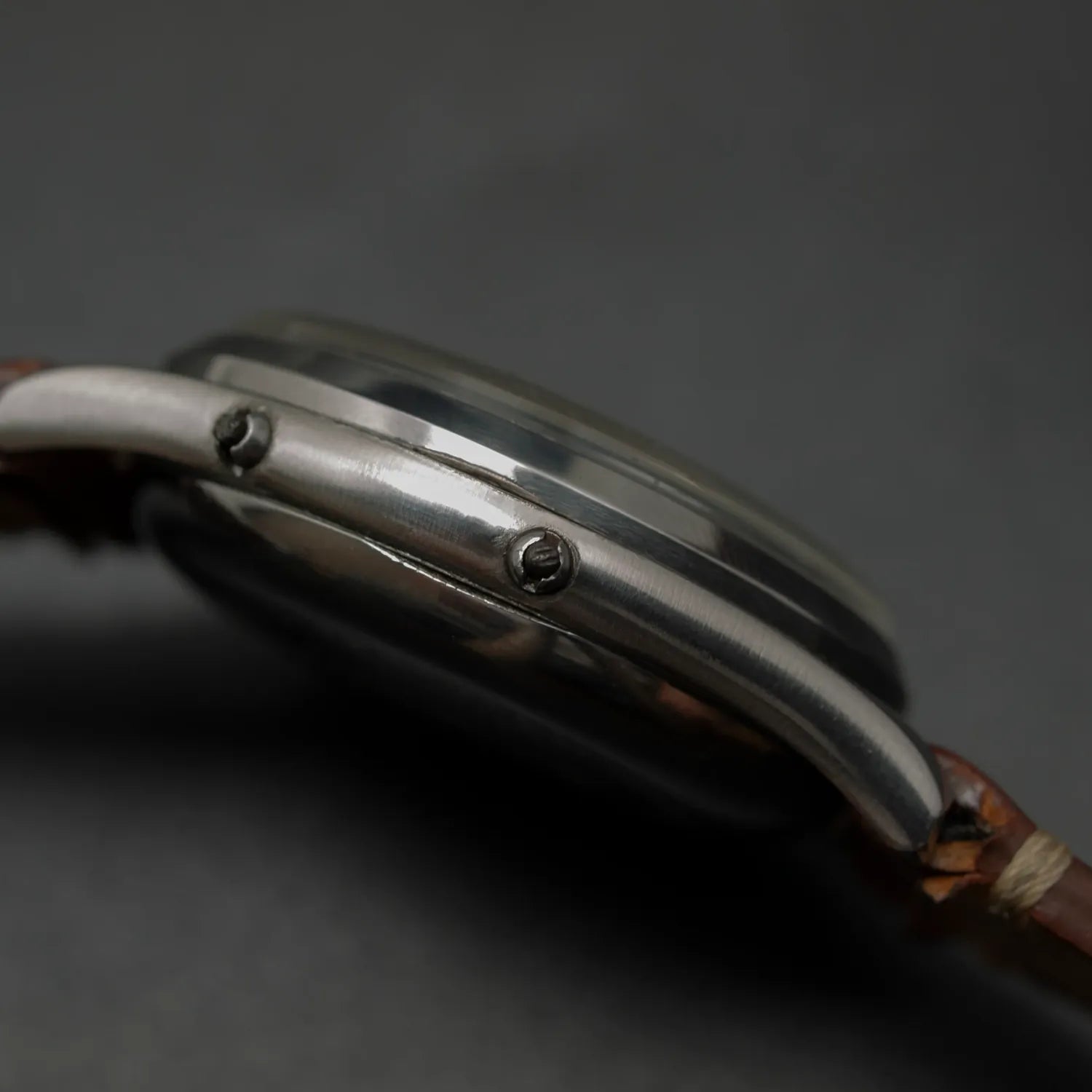
Mechanical watches run on a clockwork movement powered by a mainspring, with energy delivered through gears to a balance…
Home Espresso Machines
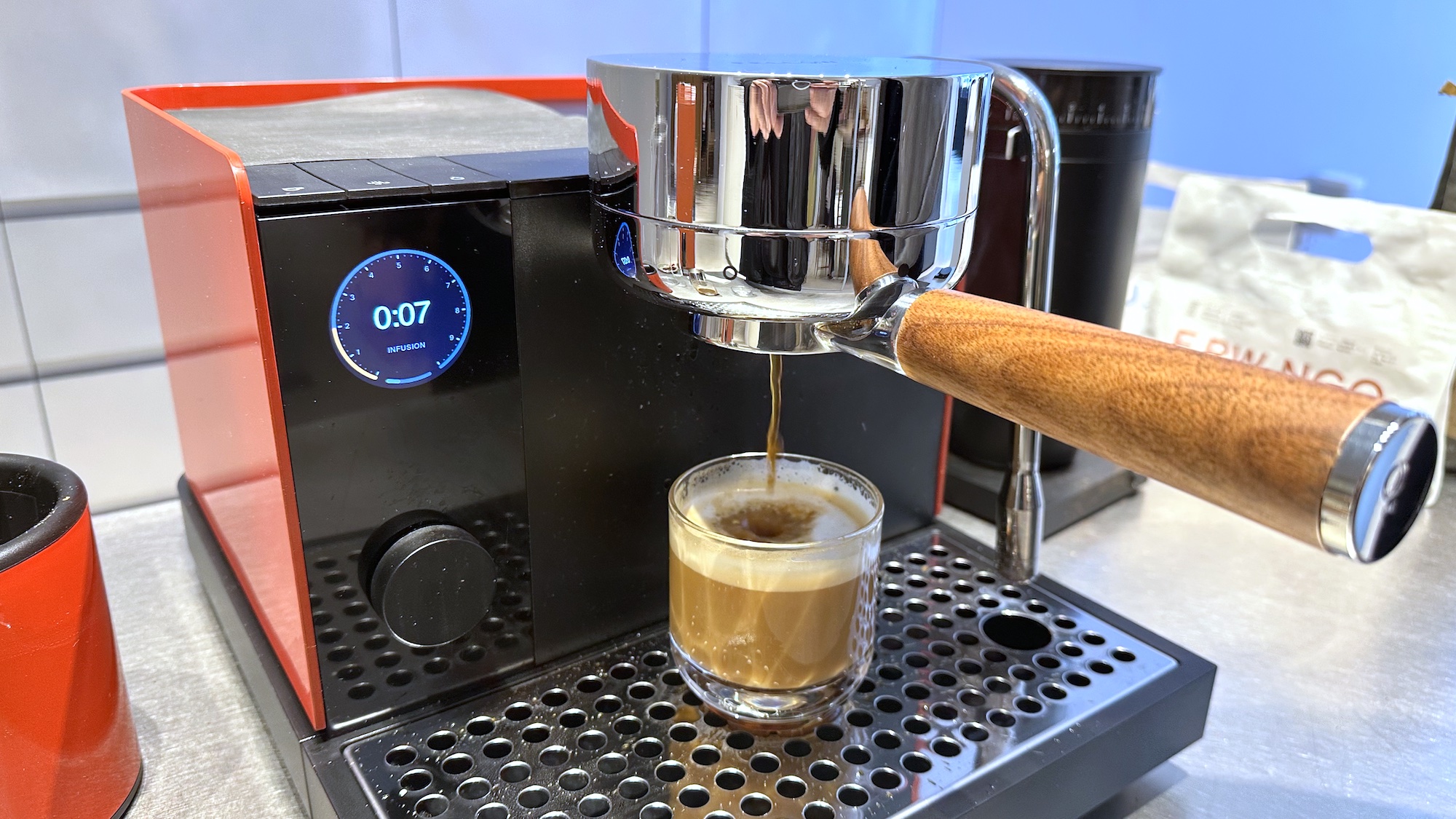
Home espresso machines sit at the intersection of coffee craft, kitchen design, and equipment obsession: they promise ca…
Fountain Pens
Fountain pens are refillable writing instruments that feed liquid ink to a metal nib, and for many people the appeal is…
Platinum Modern Maki-e Fountain Pens
Platinum’s Modern Maki-e pens sit in a very specific corner of fountain-pen collecting: Japanese motif pens made with a…
Skeletonized Haute Horlogerie
This corner of watchmaking is about turning the movement itself into the dial, then finishing it so the mechanics are no…
Affordable Microbrand Watches
Affordable microbrand watches are independently made watches sold outside the traditional luxury-brand system, with enth…
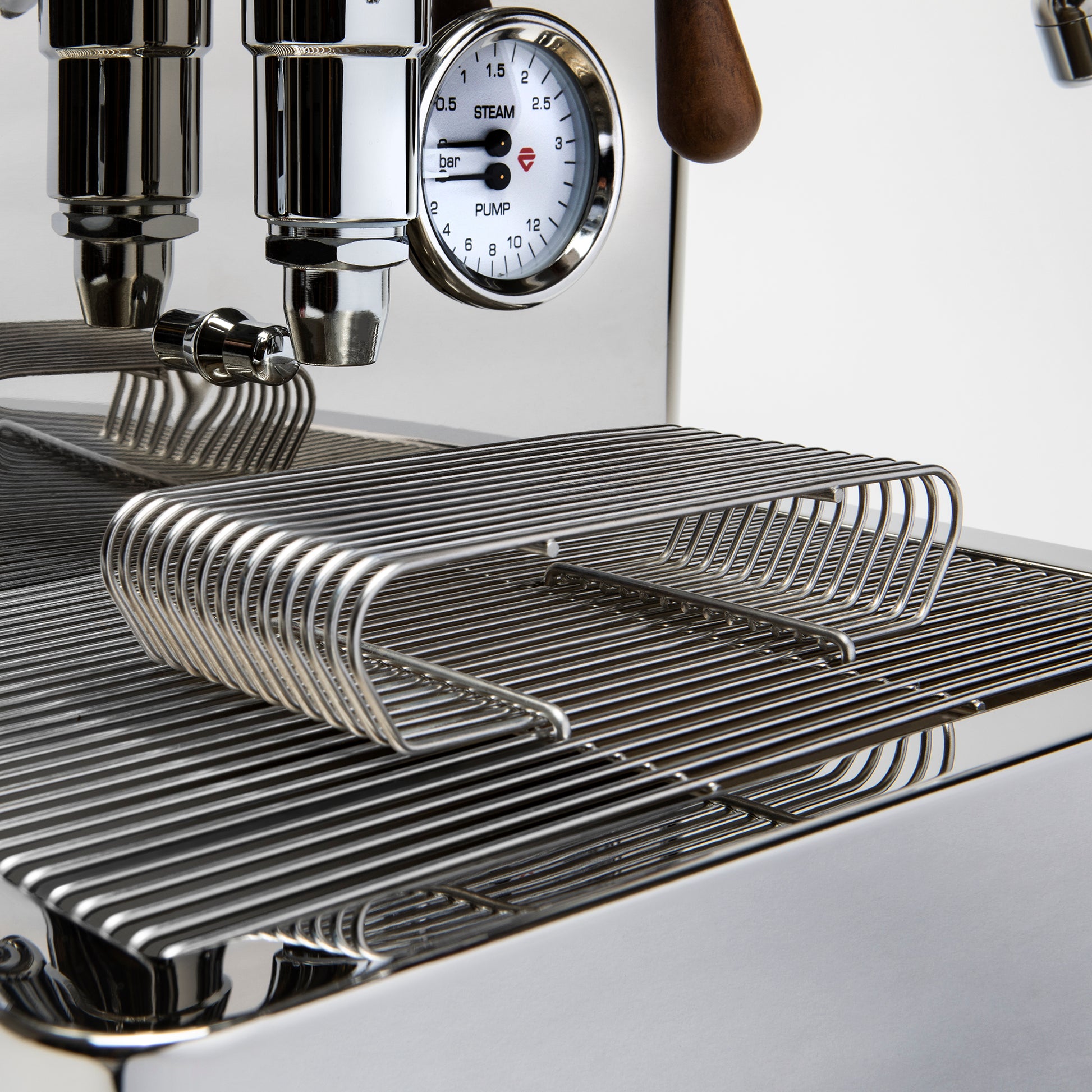
Lelit Bianca V3 Review
The Lelit Bianca V3 is a prosumer dual-boiler espresso machine that keeps showing up in serious home-barista conversatio…
Imagery
Know someone who’d love this?
Discovered by ArcurianAuto-generated from public sources and AI synthesis — it may be incomplete or inaccurate. Treat it as a starting point for your own exploration, not professional (medical, legal, financial, or safety) advice. Verify anything you act on. Report this page.